The #1 CLS Optimization Agency
Expert Cumulative Layout Shift (CLS) Optimization Services
Image dimension enforcement, font loading strategy, ad space reservation, dynamic content stabilization, and CSS containment engineering — engineered for sites that need CLS under 0.1 to pass Core Web Vitals and stop losing users to janky layouts.
Cumulative Layout Shift (CLS) measures how much your page's content unexpectedly moves during loading and interaction. Google requires CLS under 0.1 for a 'good' score — yet 22% of mobile sites fail this threshold. Images without dimensions, web font swapping, dynamically injected ads, late-loading embeds, and client-side rendered content all compound into frustrating layout jumps that make users misclick, lose their reading position, and abandon your site. Our CLS optimization service targets every source of visual instability to deliver rock-solid, shift-free pages.
Trusted by leading brands
ROI Calculator
How Much Revenue Is Your Slow Site Costing You?
Enter your URL — in 30 seconds, you'll see exactly how much revenue slow speed is costing you.
Enter your website URL
10,000+ sites analyzed · No login required · See your losses in 30 seconds
conversion loss per 1-second delay
of visitors leave after 3 seconds
Think with Google
in annual revenue lost to slow sites
Akamai
of consumers say speed affects purchases
Unbounce
higher bounce rate at 5s vs 1s load
of shoppers won't return to slow sites
Akamai
faster = 1% more conversions
Deloitte
sites analyzed by our tool
PageSpeed Matters
to form a first impression online
Google Research
abandon sites that take 3s+ to load
Portent
conversion loss per 1-second delay
of visitors leave after 3 seconds
Think with Google
in annual revenue lost to slow sites
Akamai
of consumers say speed affects purchases
Unbounce
higher bounce rate at 5s vs 1s load
of shoppers won't return to slow sites
Akamai
faster = 1% more conversions
Deloitte
sites analyzed by our tool
PageSpeed Matters
to form a first impression online
Google Research
abandon sites that take 3s+ to load
Portent
Who This Is For
Is Your Layout Shifting?
Content & Media Sites
Content sites with display ads, social embeds, dynamic headlines, and multimedia content need rock-solid layouts to prevent readers from losing their position and bouncing.
E-Commerce Stores
E-commerce sites with product images, variant selectors, promotional banners, and dynamic pricing need visual stability to prevent misclicks on wrong products or buttons.
SaaS Landing Pages
SaaS landing pages with hero images, testimonial carousels, pricing tables, and CTA buttons need perfect stability to maximize conversion rates on high-value traffic.
Service & Professional Sites
Professional service sites with image galleries, team photos, testimonials, and contact forms need polished, shift-free experiences to convey trust and credibility.
Common CLS Problems
What's Making Your Layout Unstable?
Images & Media Without Dimensions
Images, videos, and iframes without explicit width/height or aspect-ratio attributes cause the browser to reserve zero space initially — then violently push content down when they load. A single hero image without dimensions can cause CLS of 0.3+ on its own.
Guide: Core Web VitalsWeb Font Loading & FOUT
When web fonts load after the page renders, the browser swaps from the fallback font to the custom font — causing text to reflow and resize. With font-display: swap, every text element on the page can shift simultaneously, creating CLS of 0.1–0.3.
Guide: Core Web VitalsDynamically Injected Content
Cookie consent banners, notification bars, promotional overlays, and client-side rendered content that inserts above the viewport push everything below it down. A single 60px banner injected at the top of the page can cause CLS of 0.15+ across all visible elements.
Guide: Platform Speed ComparisonAd & Embed Layout Shifts
Third-party ads (Google AdSense, programmatic display), social media embeds, and video players that load without reserved space are the #1 source of CLS on content sites. A single ad slot without a min-height can cause CLS of 0.2+ every time it fills.
Guide: CDN & InfrastructureLate-Loading CSS & Async Stylesheets
CSS that loads after the initial render — from async stylesheets, lazy-loaded component styles, or third-party widget CSS — causes the entire page layout to recalculate and shift. Common with CSS-in-JS libraries and component-level code splitting.
Guide: Speed Testing ToolsClient-Side Rendering Hydration
SPA frameworks (React, Vue, Angular) that render placeholder content on the server then 'hydrate' with different-sized client content cause layout shifts during the transition. Skeleton loaders that don't match final content dimensions are a common culprit.
Guide: Platform ComparisonOur Solutions
How We Stabilize Your Layout
Image & Media Dimension Enforcement
We audit every image, video, and iframe on your site and enforce explicit width/height attributes or CSS aspect-ratio properties. We implement responsive image sizing with srcset/sizes that preserves dimensions across all viewport widths — eliminating the #1 source of CLS.
Font Loading Engineering
We implement font-display: optional for non-critical fonts, preload critical fonts with <link rel=preload>, use font metric overrides (ascent-override, descent-override, line-gap-override) to match fallback font sizing, and set up local font caching — preventing all font-swap CLS.
Ad & Embed Space Reservation
We implement min-height reservations for every ad slot, social embed, and third-party widget. We use CSS aspect-ratio containers, placeholder skeletons that match final dimensions, and collapse detection for unfilled ad slots — so content never jumps.
Dynamic Content Stabilization
We reposition cookie banners, notification bars, and promotional content to use CSS transforms (translate) instead of layout-triggering properties. Overlays appear as overlays — not as content that pushes everything down.
CSS Loading Order Optimization
We ensure all critical CSS loads synchronously in the <head>, defer non-critical styles without causing layout recalculation, and eliminate render-blocking CSS from third-party widgets that arrives late and reshuffles the page.
Visual Stability Monitoring System
We implement a comprehensive CLS monitoring strategy with Layout Instability API tracking, real-user CLS reporting by page template, automated regression alerts, and a visual stability budget that prevents future CLS regressions from new features or content.
The Data
Why CLS Matters
Visual stability directly impacts user trust, engagement, and conversions.
Proof
Our CLS Results
Real sites, real CLS improvements, real visual stability.
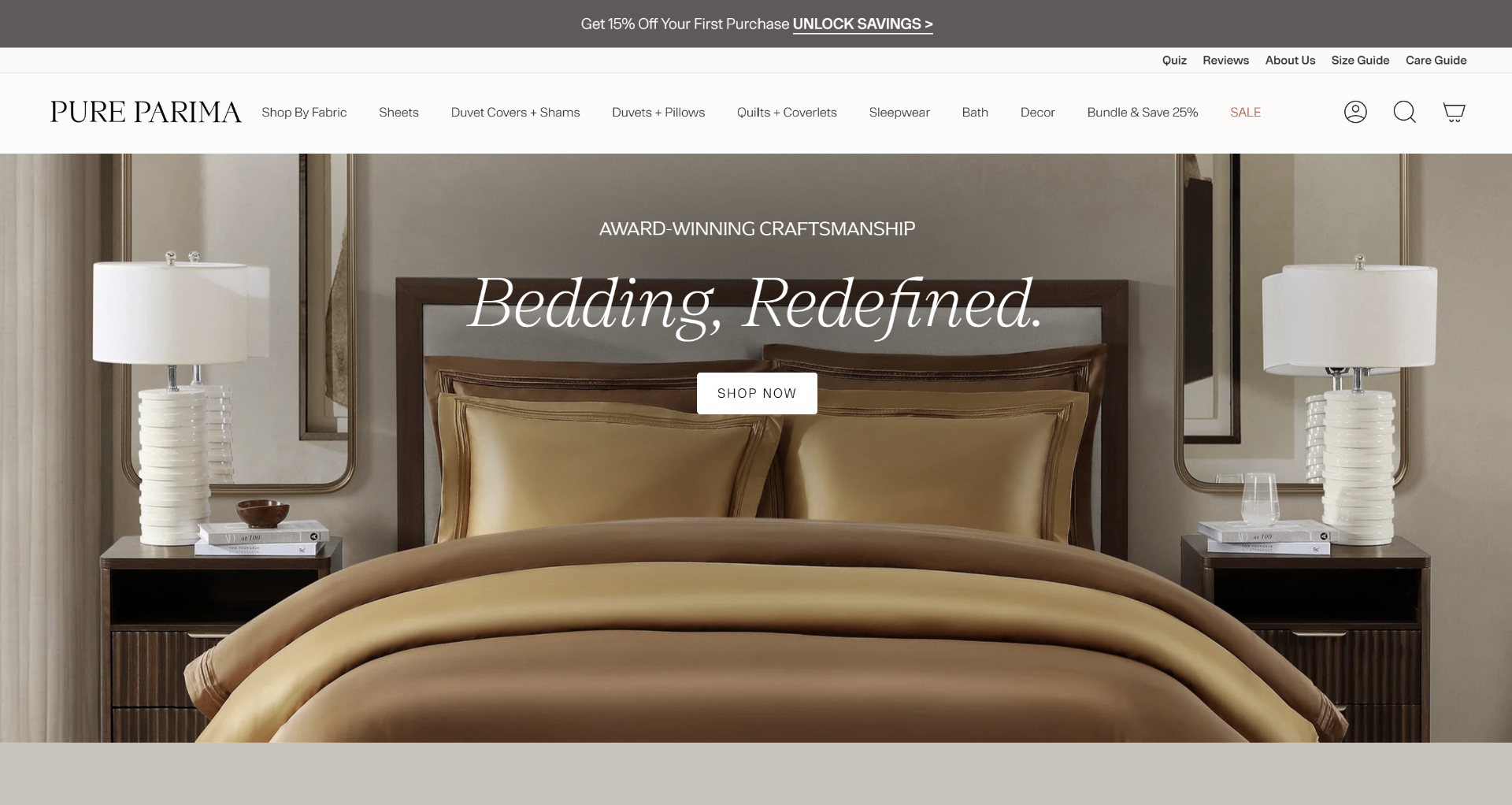
Pure Parima
CLS reduced from 0.38 to 0.02 across all product pages, eliminating image-triggered layout shifts.
View Case Study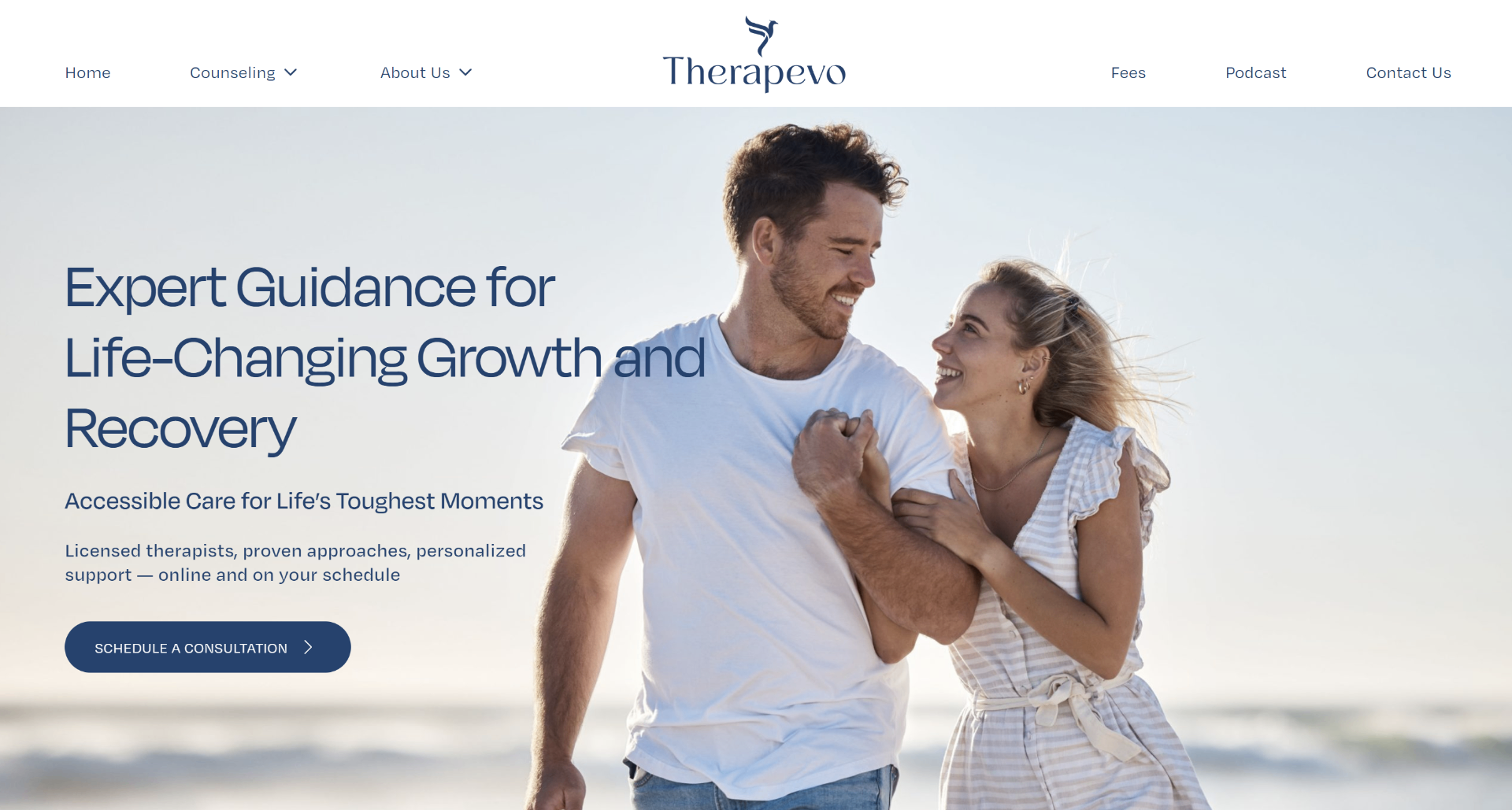
Therapevo
CLS optimized from 0.31 to 0.04 site-wide by fixing font loading and dynamic content injection.
View Case Study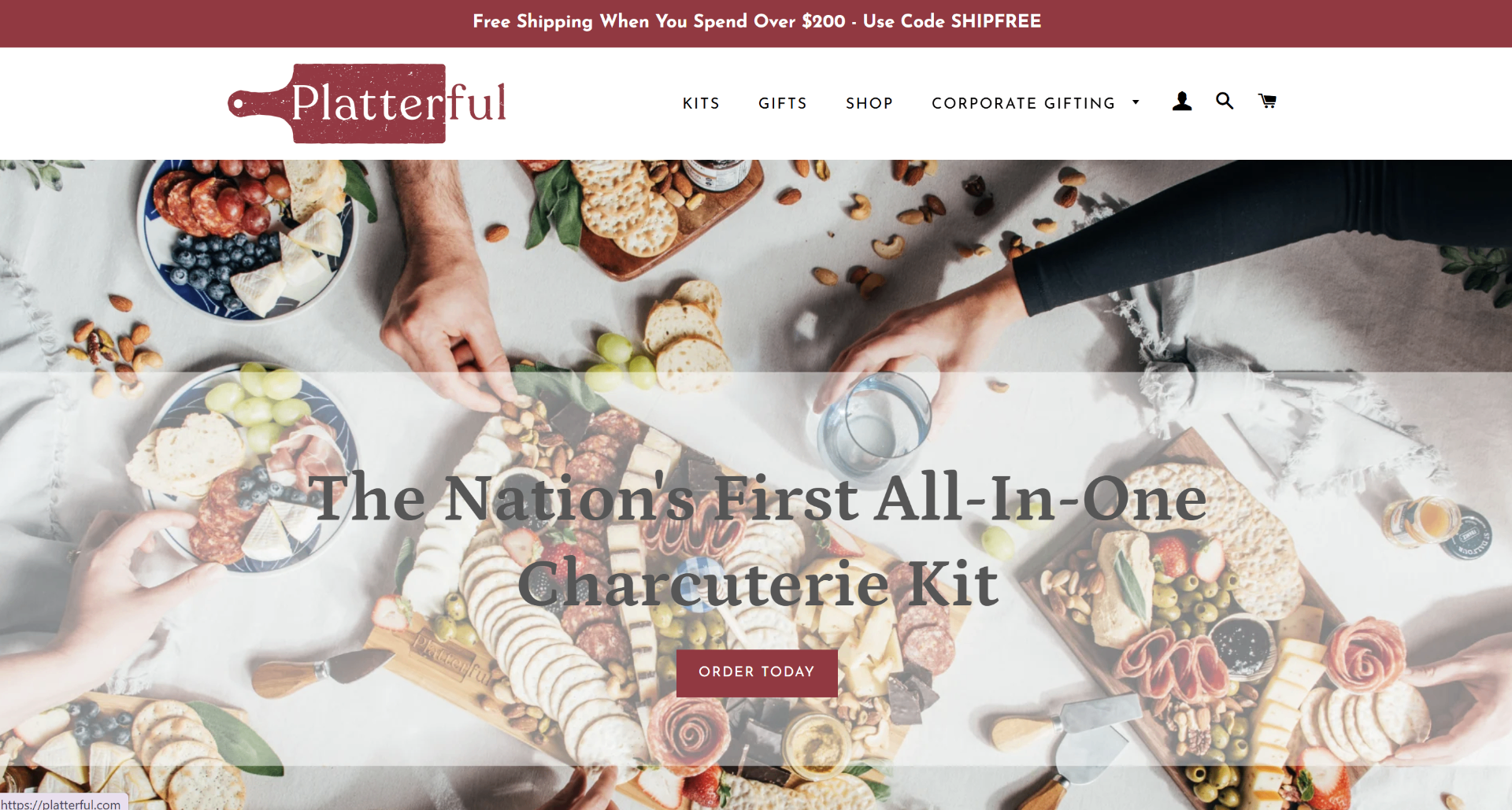
Platterful
Visual stability achieved with CLS under 0.05 on collection and product pages after image dimension enforcement.
View Case StudyOur Process
How It Works
CLS Audit & Shift Source Mapping
We identify every element causing layout shifts using Chrome DevTools Performance panel, Layout Instability API, and real-user CrUX data. You receive a ranked list of shift sources with exact CLS contribution per element and page template.
Root Cause Classification
We classify every shift source: images without dimensions, font loading, dynamic content injection, ad slots, CSS loading order, or hydration mismatches. Each category requires a different fix strategy. You receive a categorized remediation plan.
Stabilization Sprint
1–2 WeeksOver 1–2 weeks, we implement all fixes: dimension enforcement, font loading strategy, space reservations, CSS containment, transform-based animations, and dynamic content repositioning. Your live site is never at risk — all changes are staged first.
Field Data Verification
2–4 WeeksWe monitor real-user CLS data via CrUX over 2–4 weeks, testing across devices, viewport sizes, and scroll depths, making iterative adjustments until CLS consistently passes Google's 0.1 threshold in the 28-day rolling window.
Deployment & Documentation
Once validated in the field, all changes go live. You receive complete documentation including before/after CLS measurements per page template, a visual stability budget, image dimension guidelines, and a monitoring dashboard setup.
Deliverables
What You'll Receive
Every CLS engagement includes comprehensive documentation and reporting.
Before/After Speed Report
PageSpeed and Core Web Vitals scores before and after optimization, with CLS measurements for every key page template across desktop and mobile.
Layout Shift Audit
Every element causing CLS ranked by shift contribution — showing exactly which images, fonts, ads, and dynamic content are destabilizing your layout.
Image Dimension Report
Every image and media element audited for explicit dimensions, with before/after CLS measurements showing the impact of dimension enforcement.
Font Loading Analysis
Analysis of every web font's loading behavior, swap impact on CLS, and implementation of optimal loading strategy (preload, optional, metric overrides).
Third-Party Shift Impact Report
Every third-party script, ad, and embed ranked by CLS contribution with specific space reservation or repositioning recommendations.
Competitor Stability Benchmark
How your site's CLS stacks up against 3–5 direct competitors with specific gap analysis on visual stability across page types.
Core Web Vitals Forecast
Projecting when CLS will move into the 'Green' zone in Google's 28-day CrUX rolling window.
Revenue Impact Projection
Custom report mapping your CLS improvements to projected revenue gains from reduced misclicks and improved user engagement.
Google Ads / CPC Savings Report
Analysis of how improved CLS lowers your landing page experience penalty and reduces cost-per-click for paid campaigns.
30-Day Post-Launch Monitoring
30 days of CLS monitoring after deployment to ensure gains hold after content updates, ad changes, or new feature deployments.
Visual Stability Budget
A living document setting CLS budgets for future development — max shift allowance per page, image dimension requirements, and ad slot guidelines.
Content Author Guidelines
Simple rules for content editors to follow when adding images, videos, and embeds to prevent CLS regressions from editorial content.
Executive Summary (1-Pager)
A non-technical summary for stakeholders showing what was done, what improved, and what it means in dollars.
Pricing
Estimate Your Investment
Answer a few quick questions about your site to get an instant ballpark. Final pricing is confirmed after an audit.
How much traffic does your site get?
How much custom code does your site have?
How many third-party tools are running?
Do you need Core Web Vitals optimization?
How many posts/pages and products does your site have?
Estimated Investment
$1,500 – $2,500
One-time optimization fee
Typical Timeline
5–7 days
Why this range
simple setup
Final quote + plan confirmed after audit
What We Optimize
CLS Optimization Expertise
Image & Media Stability
Enforce dimensions on all images, videos, and iframes to prevent the most common source of layout shifts.
Font Loading Strategy
Implement optimal font loading to eliminate text reflow and font-swap layout shifts across all page templates.
Ad & Embed Containment
Reserve space for ads, social embeds, and third-party widgets so they fill in without disrupting page layout.
Dynamic Content Engineering
Stabilize banners, notifications, and injected content using CSS transforms instead of layout-triggering properties.
CSS Architecture
Optimize CSS loading order and apply containment to isolate shift-prone sections from affecting page layout.
Animation & Transition Stability
Convert layout-triggering animations to compositor-friendly transforms for smooth, zero-CLS motion design.
Deep Dives
CLS Optimization Guides
Go deeper with our free expert guides on Cumulative Layout Shift optimization.
FAQ
Frequently Asked Questions
Ready to Stabilize Your Layout?
Request an audit and see exactly what's causing your layout shifts — and how we'll make your pages rock solid.
Request An Audit